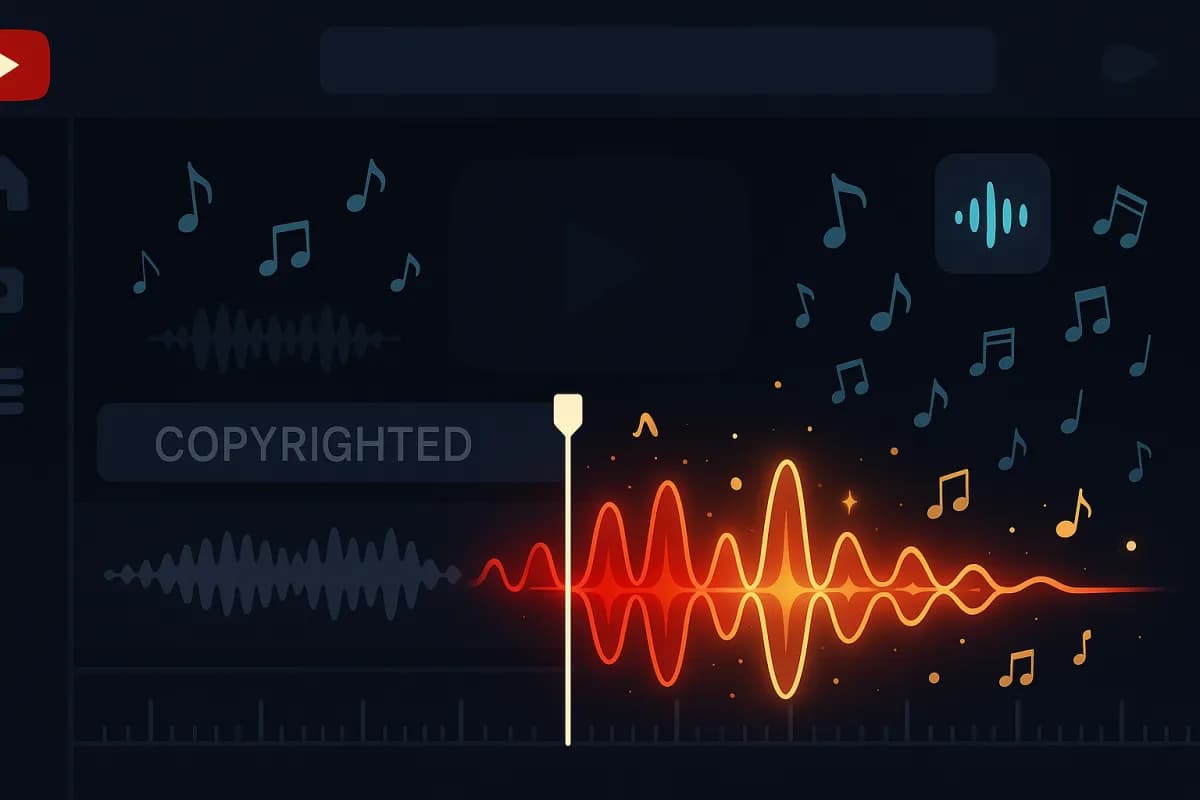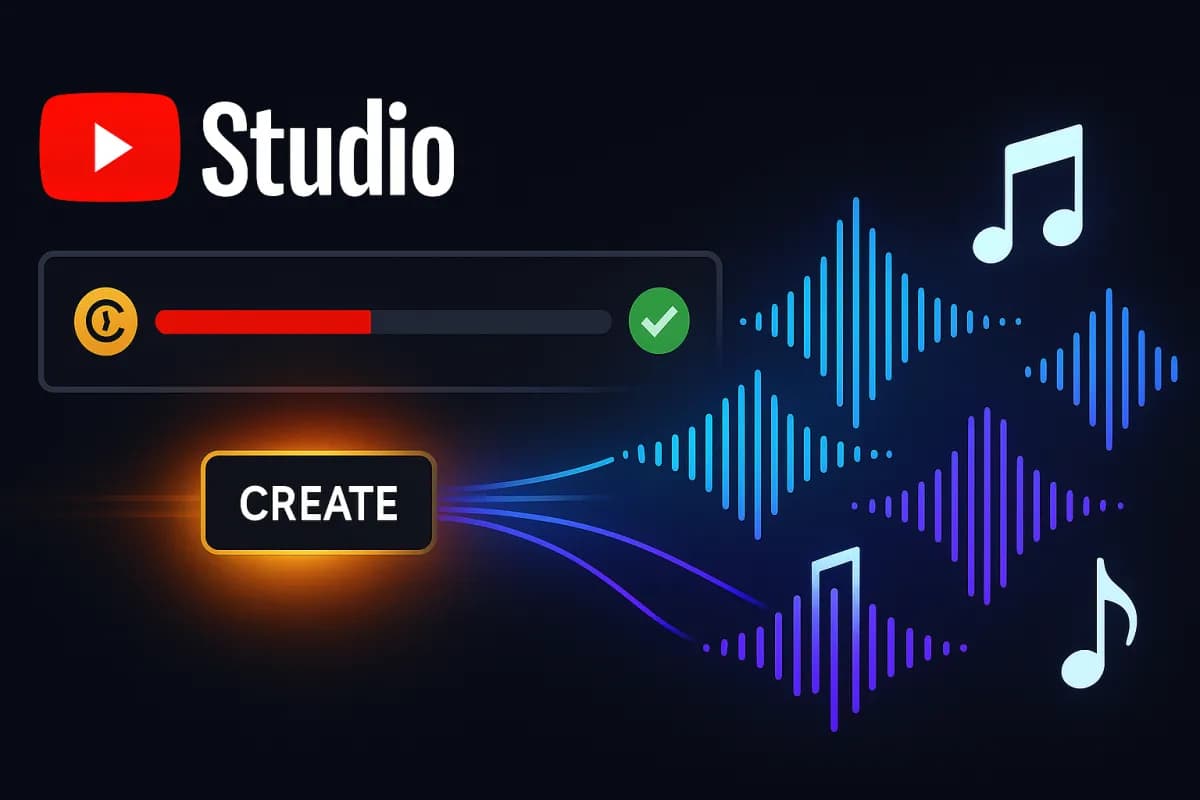
On May 1, 2026, via the Creator Insider channel, YouTube announced a quiet but potentially explosive update for millions of creators: a "Create" button has been added to the Replace Song tool inside YouTube Studio on desktop. According to Tubefilter's coverage, as soon as a video is hit with a Content ID claim on its music, the creator can click that button and YouTube generates four royalty-free instrumental tracks calibrated to the mood and tempo of the original. Pick one, and the claim drops, the monetization flips back to the creator.
The stakes are massive. According to Music Business Worldwide, Content ID claims cost YouTube creators around $2.5 billion in annual revenue, all of it redirected to rightsholders. Worse, 99.5% of claims are never disputed, and 90% of rightsholders pick the "monetize" action — the video stays up, but the rightsholder takes the ad money. And for Shorts: since late 2024, any Short over one minute hit with a claim is blocked globally, with zero possible revenue.
For US and UK creators, this feature is a genuine turning point: no more re-uploading a video, no more cutting the offending segment in the edit, no more paying an outside music library to swap it out. It all happens in seconds, directly inside the claim resolution workflow. This article breaks down exactly how the mechanic works, separates the new tool from the existing Music Assistant (the two are routinely confused), explains why it's revolutionary for monetization, lays out 7 concrete strategies for English-speaking creators, and lists 8 mistakes to avoid so you don't trip yourself up.
How Replace Song AI works, step by step
The new "Create" button slots into a tool that already existed: Replace Song, accessible from YouTube Studio whenever a video is awaiting action after a Content ID claim. According to Digital Music News, until now Replace Song did two things: mute the claimed segment, or swap the track for one from YouTube's Audio Library. The AI version adds a third, far more powerful option.
Step 1: find the claimed video. From YouTube Studio (desktop, US-only for the moment), head to Content → Videos, then filter by "Restrictions → Copyright claims." You see the list of your videos with an active music claim. Click the relevant video, then See copyright details.
Step 2: open Replace Song. In the claim management modal, pick Replace song. YouTube shows you the exact segment of the claimed track, its duration, and the rightsholder. You now see three choices: Mute (kill the audio), YouTube Library (browse the built-in free catalog), and the new Create button (generate an AI track).
Step 3: generate 4 AI instrumentals. When you click Create, YouTube analyzes the original segment (mood, approximate tempo, detected instrumentation) and serves up 4 royalty-free instrumentals matching the vibe. You can preview them straight in the browser. According to Uppbeat's breakdown, the generated tracks don't reproduce the melody of the original — they only target the overall "feel" to preserve the rhythm and energy of your edit.
Step 4: apply and clear the claim. Pick your favorite instrumental, confirm, and YouTube automatically swaps the track over the affected segment. The Content ID claim is released within a variable window (usually a few minutes to a few hours), monetization is restored to you, and the video stays online with no visible cut and no change to its duration.
Replace Song AI vs Music Assistant: don't mix them up
A lot of creators conflate the two tools. The distinction matters.
Music Assistant (launched in April 2025, powered by Lyria, Google DeepMind's music model) is a preventive creation tool. It lives in the Creator Music marketplace, is restricted to YouTube Partner Program members, and lets you generate a custom track before you edit your video by describing instruments, mood, content type, and context. You use it to produce a soundtrack from scratch.
Replace Song AI (launched May 1, 2026) is a curative tool. It only kicks in after a claim has been filed, inside the resolution interface. It doesn't ask for a prompt — the AI analyzes the claimed segment itself and surfaces 4 alternatives. It's faster, but less controllable.
YouTube hasn't confirmed whether Replace Song AI uses the same Lyria model as Music Assistant. Music Ally notes that the company remains opaque about the underlying architecture, which is fueling debate about the quality of the generated tracks and their commercial use.
In practice: use Music Assistant for your upcoming videos (before the edit), and Replace Song AI to rescue old videos that have already been claimed. The two are complementary, not competing.
Why this is a monetization revolution
To measure the impact, you have to grasp the scale of the Content ID problem before this feature shipped.
According to Foxi Music, Content ID scans every upload against a reference library of more than 100 million music files within minutes of publication. When a match is detected, the rightsholder has four options: monetize (90% of cases), block, track, or mute. When the rightsholder picks "monetize," your ad revenue goes entirely to them. The video stays live, but you no longer make anything off it.
The key numbers:
- $2.5 billion: annual revenue redirected from creators to rightsholders through Content ID
- $12 billion: cumulative total paid out to rightsholders since Content ID launched
- 99.5%: share of claims that are never disputed (out of fear of strikes or unfamiliarity with the process)
- 90%: percentage of rightsholders who pick "monetize" rather than "block"
- A few minutes: average delay between upload and the automated claim landing
Before Replace Song AI, resolving a claim meant: (1) eating the revenue loss, (2) re-cutting the video, exporting it, and re-uploading (losing the history, the URL, the views, the SEO), or (3) disputing the claim (a stressful process, with strike risk). None of the options were painless.
With Replace Song AI, you resolve a claim in under 5 minutes, without touching the original video, without losing the URL, the history, the SEO, the cumulative views, the comments, or the subscribers earned along the way. Monetization picks back up on the existing video. It's the first time YouTube has offered a friction-free way out of a music Content ID claim.
As a reminder, since late 2024, Shorts over one minute that get claimed are no longer monetized at all: they're blocked globally, full stop. Replace Song AI is therefore the only way to save those longer Shorts without deleting them. If you're scaling your audience with targeted YouTube views, freeing monetization becomes even more profitable: every claimed view was costing you revenue you can now get back.
7 strategies to fully exploit Replace Song AI
1. Audit your back catalog the moment the feature lands globally
Replace Song AI is currently US-desktop-only. As soon as the global rollout hits (expected later in 2026 according to MBW), run a full audit of your channel: export the list of every video with an active claim, sort by potential revenue lost (view volume × estimated RPM), and tackle the high-traffic videos first. A claimed viral video pulling 100K views a month can represent $250-$600 of monthly revenue redirected away from you.
2. Test on secondary videos before your hits
The generated AI tracks aren't perfect. The rhythm is preserved, but the musical identity shifts. Start on a low-traffic video to validate the result. If the AI instrumental flattens the vibe of a vlog or a lifestyle piece, you have the pick of 4 proposals, or you can fall back to a partial mute. Don't risk your flagship video without testing first.
3. Pair it with Music Assistant for new videos
For your upcoming videos, shift progressively to Music Assistant and the Creator Music marketplace. You sidestep claims entirely upstream, you keep 100% of revenue from day one, and you skip the Replace Song AI lottery. If you've already monetized your YouTube channel (1,000 subscribers, 4,000 watch hours), Creator Music is free inside YPP — it's an underused asset.
4. Adapt your strategy for Shorts over 1 minute
Longer Shorts (1 to 3 minutes) are having a renaissance — see our analysis of the Reels decline and YouTube resurgence. But they're also the most vulnerable to global blocks from claims. Replace Song AI is now your safety net: feel free to use trending music knowing that, if a claim lands, you can swap it in 2 clicks without deleting the Short and losing the thousands of accumulated views.
5. Document your replacements for internal SEO
When you swap a track, the description and tags don't automatically change — but the audio does. Take a minute to edit the description: remove the original music credit ("Music: Artist X – Track Y") and add "Music replaced via YouTube AI Replace Song — royalty-free instrumental." That avoids confusion for viewers and signals transparency.
6. Anticipate the rollout for viral Shorts that aren't claimed yet
If one of your videos is crushing it with a popular track (Taylor Swift, Drake, etc.) and isn't yet claimed, don't celebrate too early. Claims can hit weeks or months after upload, especially when a publisher registers the track in Content ID late. Keep Replace Song AI in your back pocket as Plan B.
7. Use it as a selling point with sponsors
Brands that sponsor YouTube integrations dread post-publication claims (they hurt the campaign's ROI). Mention in your media kit that you use Music Assistant for creation and Replace Song AI as a curative tool: it's a professionalism signal. Combined with organic growth via the 2026 Hype Leaderboards for small creators, you're building a channel that's genuinely monetizable and resilient.
Case study: "TechByte US," a 180,000-subscriber tech channel
"TechByte US" (name anonymized) is an English-language unboxing and tech review channel, 180K subscribers, around 3.2M views a month. In February 2026, the creator (let's call him Jordan) discovered that 147 of his videos were hit with Content ID claims — mostly because of intro/outro music and B-roll tracks used between 2022 and 2025, before he switched to a safe library.
Estimated lost revenue: with an average RPM of $5.50 in the US tech niche, and roughly 1.2M monthly views affected by claims, Jordan was losing about $6,600 a month being redirected to rightsholders. Across two years, that's more than $160,000 in lost revenue.
While waiting for the global rollout of Replace Song AI, Jordan beta-tested with US access (officially supported on his desktop). On his 30 highest-earning claimed videos, he applied Replace Song AI in May 2026. The result 14 days later:
- 28 of 30 claims released (2 still working through the back end)
- Monthly revenue restored: ~$3,900 across those 30 videos (half of the back catalog by value)
- No loss of SEO or ranking in YouTube search (URL unchanged)
- Stable engagement: existing comments didn't mention the music change except in 2 cases (on signature intros)
Jordan's verdict: "On vlogs and reviews, the swap is invisible. On videos where the music is part of the identity (gaming, stylized lifestyle), I'd rather re-cut manually with Music Assistant. But for 80% of my back catalog, Replace Song AI earned me more in two afternoons than every SEO push I've run over the last six months."
8 mistakes to avoid
Mistake 1: thinking Replace Song AI clears EVERY kind of claim
Replace Song AI only handles music claims where the rightsholder has authorized replacement. Some rightsholders block that option (restrictive policy). Likewise, claims on video clips (films, TV, other YouTubers) are out of scope — you'd need Trim segment or a dispute instead.
Mistake 2: swapping without listening to all 4 options
The AI serves up 4 instrumentals, not one. Never validate the first option out of laziness. Listen to all 4, compare against the original audio in the background, and pick the one that disrupts the vibe the least. It takes 90 seconds, and it can save the viewer experience.
Mistake 3: forgetting to update the description
If your description listed "Music: Track X by Artist Y," it becomes inaccurate after the swap. Update the description and end cards to stay transparent.
Mistake 4: using Replace Song AI on commercial content without rereading the terms
The generated tracks are royalty-free for YouTube use. If you cross-post the video (TikTok, Instagram, LinkedIn), check the exact terms — according to RouteNote, use outside YouTube hasn't yet been clarified.
Mistake 5: leaning on it as a reason to ignore Content ID upstream
Replace Song AI is a safety net, not a strategy. Keep using safe music (YouTube Audio Library, Music Assistant, libraries like Epidemic Sound or Artlist) on new videos. Taking a claim on a viral video = lost revenue during the most profitable first few days while you wait for resolution.
Mistake 6: using Replace Song AI on videos where the music IS the content
If you post a cover of a track, a mashup, or a video where the musical analysis is central, swapping the music kills the video. Better to accept the claim ("share revenue") or re-cut without the problematic track.
Mistake 7: not prioritizing Shorts over 1 minute
As mentioned, those Shorts are globally blocked when claimed since late 2024. They generate zero revenue and zero views as long as the claim is active. It's the highest-ROI use of Replace Song AI — prioritize them in your audit.
Mistake 8: ignoring the propagation delay after replacement
Once Replace Song AI is applied, the claim isn't lifted instantly. According to creator reports on RA, the delay ranges from a few minutes to 48 hours. Don't panic if monetization doesn't come back immediately. Above all, don't re-upload the video in the meantime.
FAQ: YouTube Replace Song AI 2026
Is Replace Song AI available outside the US?
Not yet at the time of publication (May 28, 2026). Rollout is limited to US desktop. YouTube is planning a global and mobile rollout "later in 2026." Keep an eye on the "Updates" tab in Creator Insider and turn on YouTube Studio notifications.
Can the generated AI tracks be used outside YouTube?
Officially, the tracks are royalty-free for use on YouTube. For other platforms (TikTok, Instagram, podcasts), the terms haven't been fully clarified. Stay cautious and lean on third-party libraries for cross-posting.
How many times can you apply Replace Song AI to the same video?
Once per claim. If you don't like the result after applying, you can fall back to Mute or Trim segment, but the change is final. Validate carefully.
Does AI replacement hurt the video's SEO?
No. URL, title, description, tags, thumbnail, age, views, and engagement all stay identical. Only the audio on the claimed segment changes. No negative signal on YouTube's algorithm side.
What's the audio quality of the AI tracks?
The generated tracks are broadcast-quality (44.1 kHz / 16-bit, mastered mix). The output is clean, with no audible artifacts in 95% of cases. On very exposed segments (a silent intro into a music drop), a trained ear may detect a mood shift, but 99% of viewers won't notice.
Does Replace Song AI work on already-demonetized videos?
Yes. As long as a Content ID claim is active on the music, you can run Replace Song AI, and monetization is restored once the claim is released (subject to the video still meeting the other monetization rules — no strikes, compliant content, etc.).
Conclusion: a quiet game-changer for YouTube monetization
Replace Song AI isn't the flashiest announcement of 2026, but it's probably one of the most profitable for established creators. By clearing dozens — sometimes hundreds — of Content ID claims in minutes, the tool restores dormant revenue streams that can represent tens of thousands of dollars in lost income. Pair it with Music Assistant for preventive creation, and a healthy growth strategy via the Hype Leaderboards or targeted YouTube views, and you build a channel that's genuinely resilient, monetized, and defended. For English-speaking creators outside the US, the global rollout is the event to watch in the coming months.
Sources
- Tubefilter — YouTube is testing a tool that lets creators generate royalty-free music
- Digital Music News — AI Flips YouTube's Quick Music Swap for Copyrighted Music
- Music Ally — YouTube allows creators to replace music with copyright issues with genAI songs
- Music Business Worldwide — Replace tracks with AI at the touch of a button
- Resident Advisor — YouTube adds AI track replacement tool for copyright claims
- Uppbeat — YouTube's new AI-generated music tool, but not a long-term fix
- Foxi Music — YouTube Content ID For Music: 2026 Guide To Monetization
- RouteNote — YouTube creators can now replace copyrighted music with AI-generated tracks
For real-world Instagram growth, see our dedicated Instagram services.